Cultivating real-world productivity through gamification
How might we make productivity feel less like a chore and more like something worth cultivating?
Context
Study Garden began as a way to better understand Unity from a designer's perspective. I wanted to grasp not just how things look, but how they’re built, including all the constraints, systems, and possibilities that shape design decisions. Working on Unity-based projects made it clear that to design effectively, I needed to speak the language of the engine itself.
This project is an experiment in turning work into play, where users can build a space that reflects their focus and effort.
Research
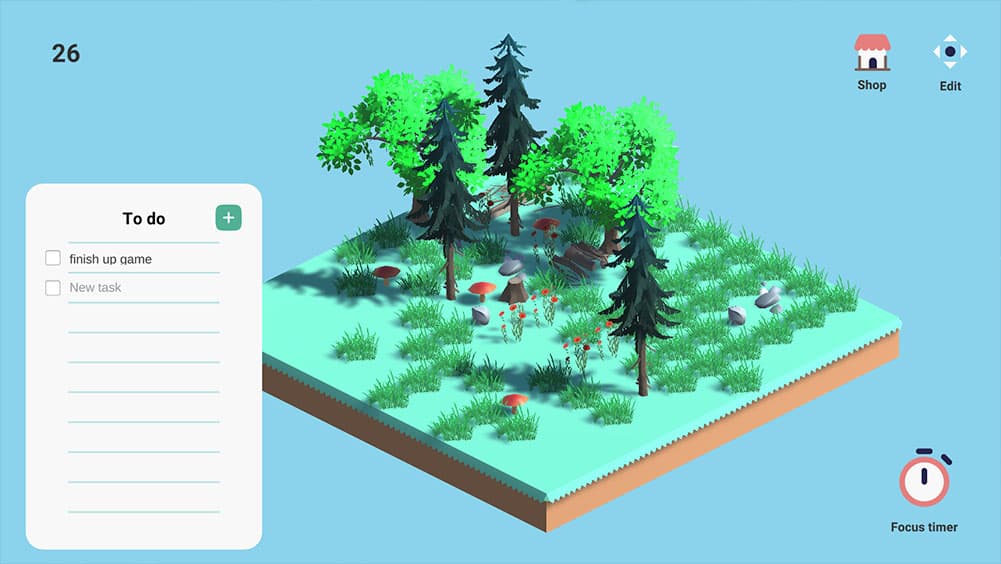
I studied how gamification drives motivation and found that tangible progress keeps users engaged. Study Garden builds on that insight by turning productivity into growth, letting users cultivate a personalized virtual garden as a reward for focus. Inspired by apps like Habitica, it emphasizes visual creativity and calm over competition.
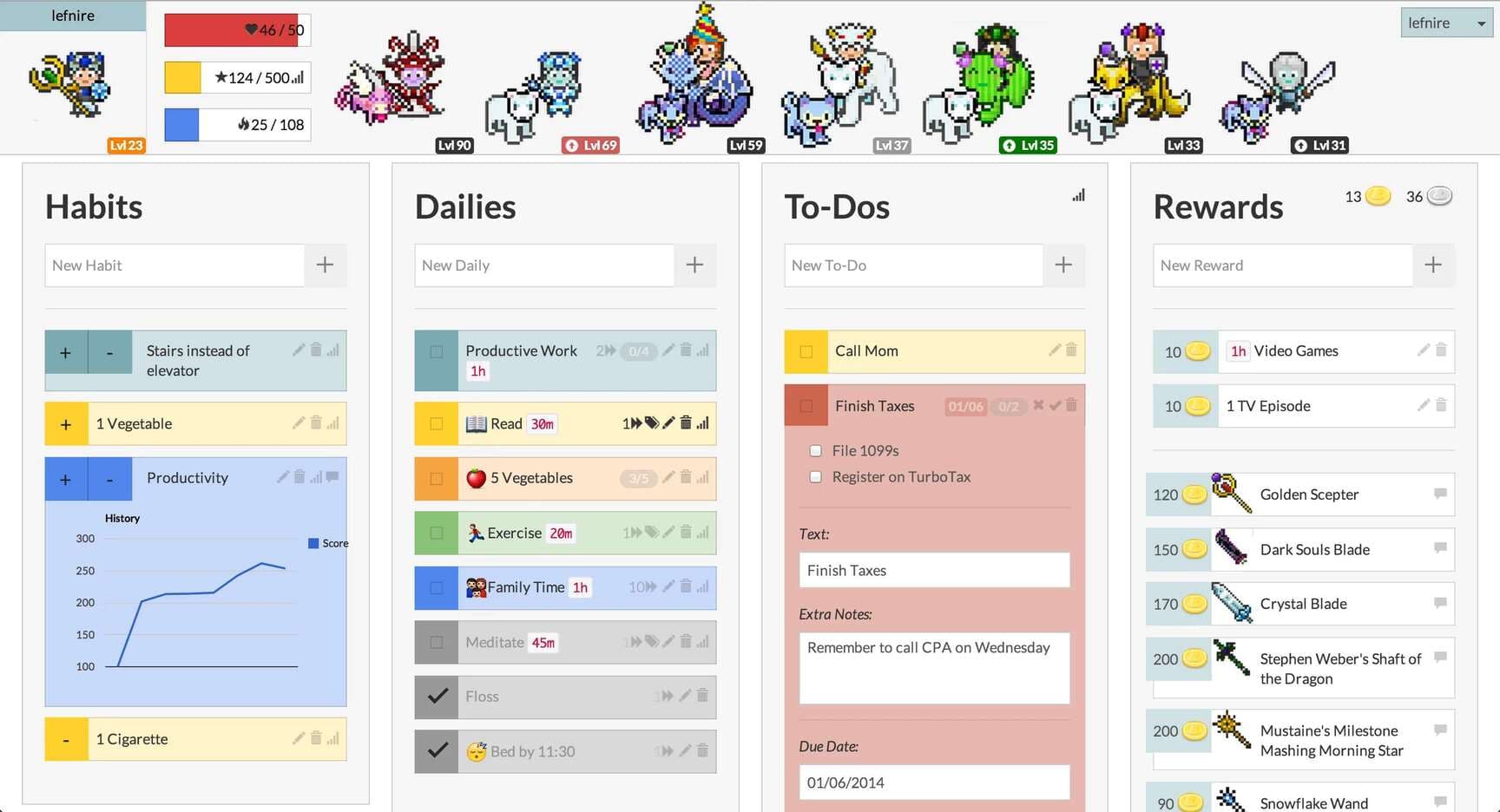
Popular apps like Forest and WaterDo show how visual rewards can make productivity more engaging. Forest helps users stay focused by growing virtual trees that wither if they leave the app, while WaterDo turns completed tasks into playful bubbles to pop.
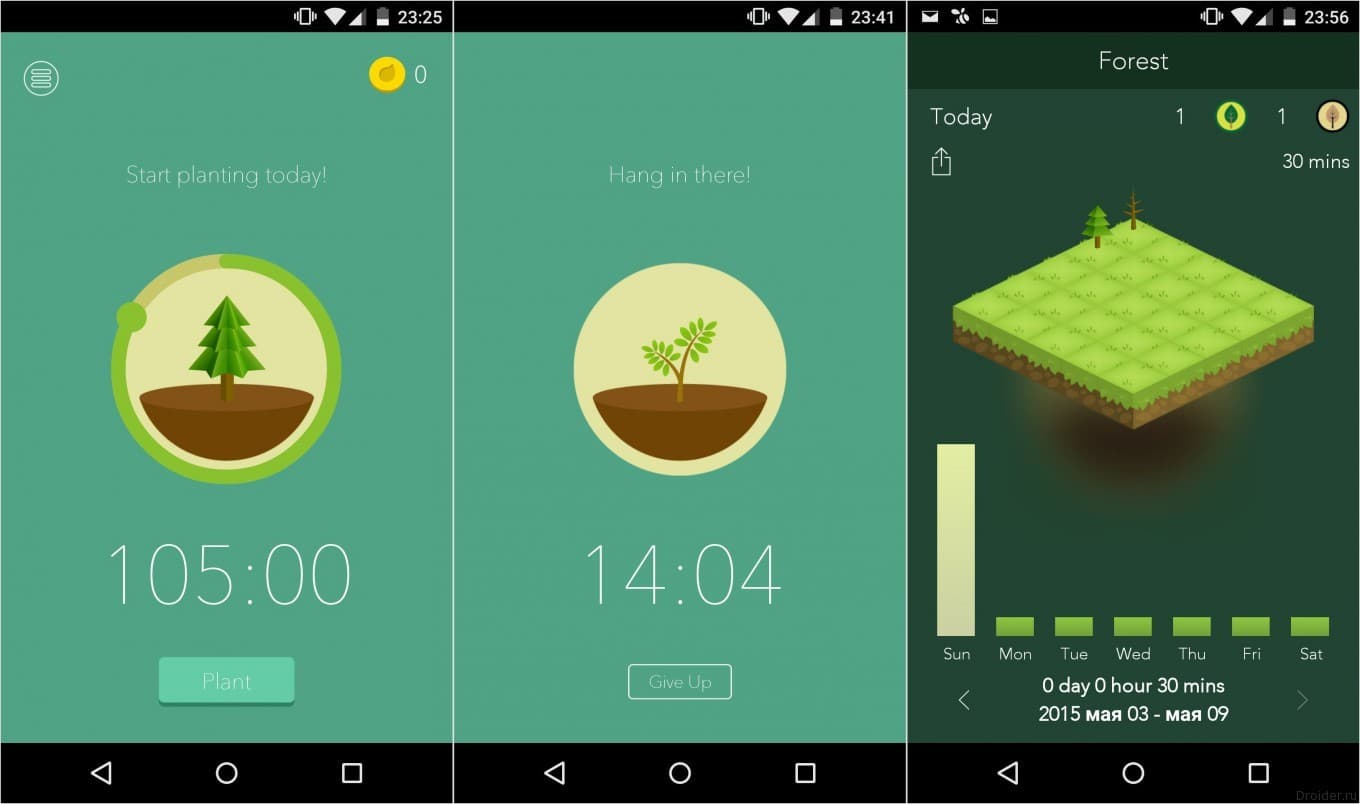
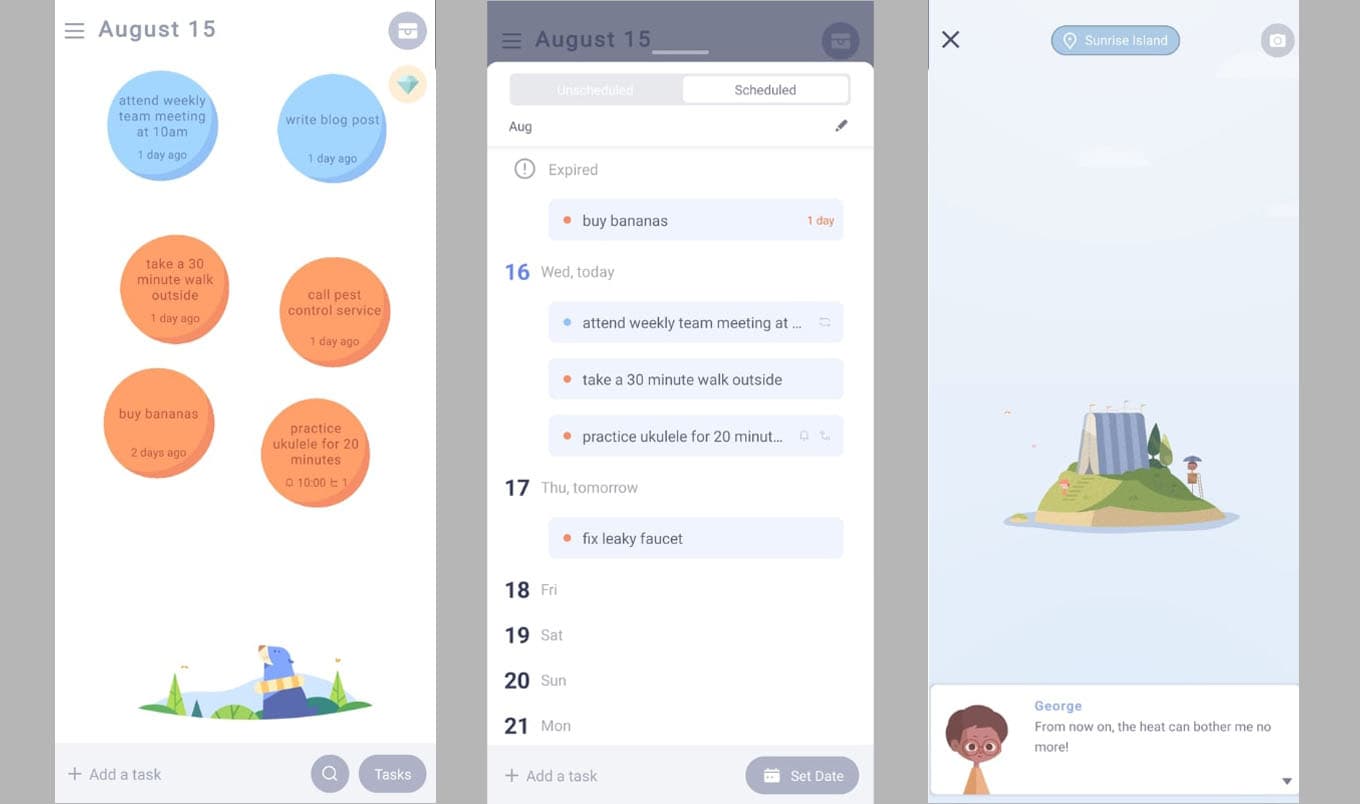
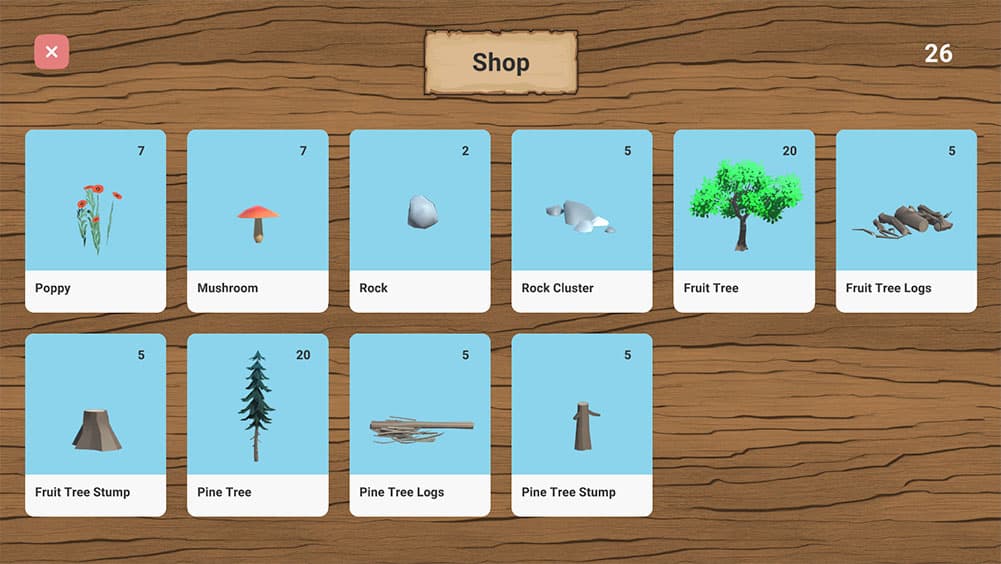
While these apps excel at short-term motivation, they lack a strong long-term engagement model. Study Garden offers a persistent, evolving space that grows with every completed task. It shifts the focus from momentary satisfaction to long-term growth and creativity. Unlike the fixed visuals of other apps, Study Garden invites users to design and personalize their garden, creating a sense of ownership and self-expression alongside productivity.
Process
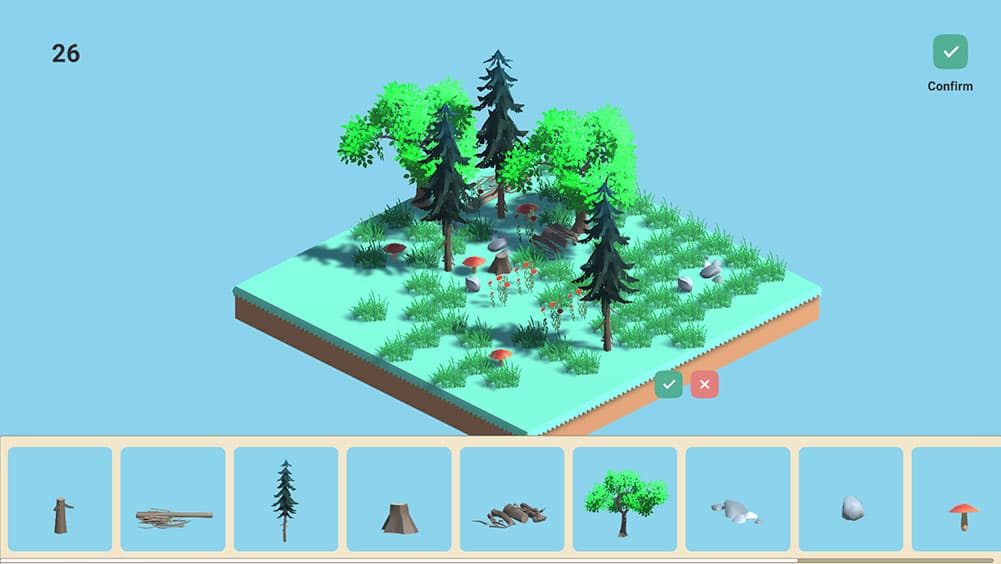
This project was a hands-on exploration of Unity and C#, starting with prototyping the core gameplay loop: adding tasks, tracking focus sessions, earning rewards, and persisting game data. As a solo project, I minimized asset creation to focus on learning Unity’s systems and APIs, using free assets from the Unity Asset Store while prioritizing gameplay mechanics.
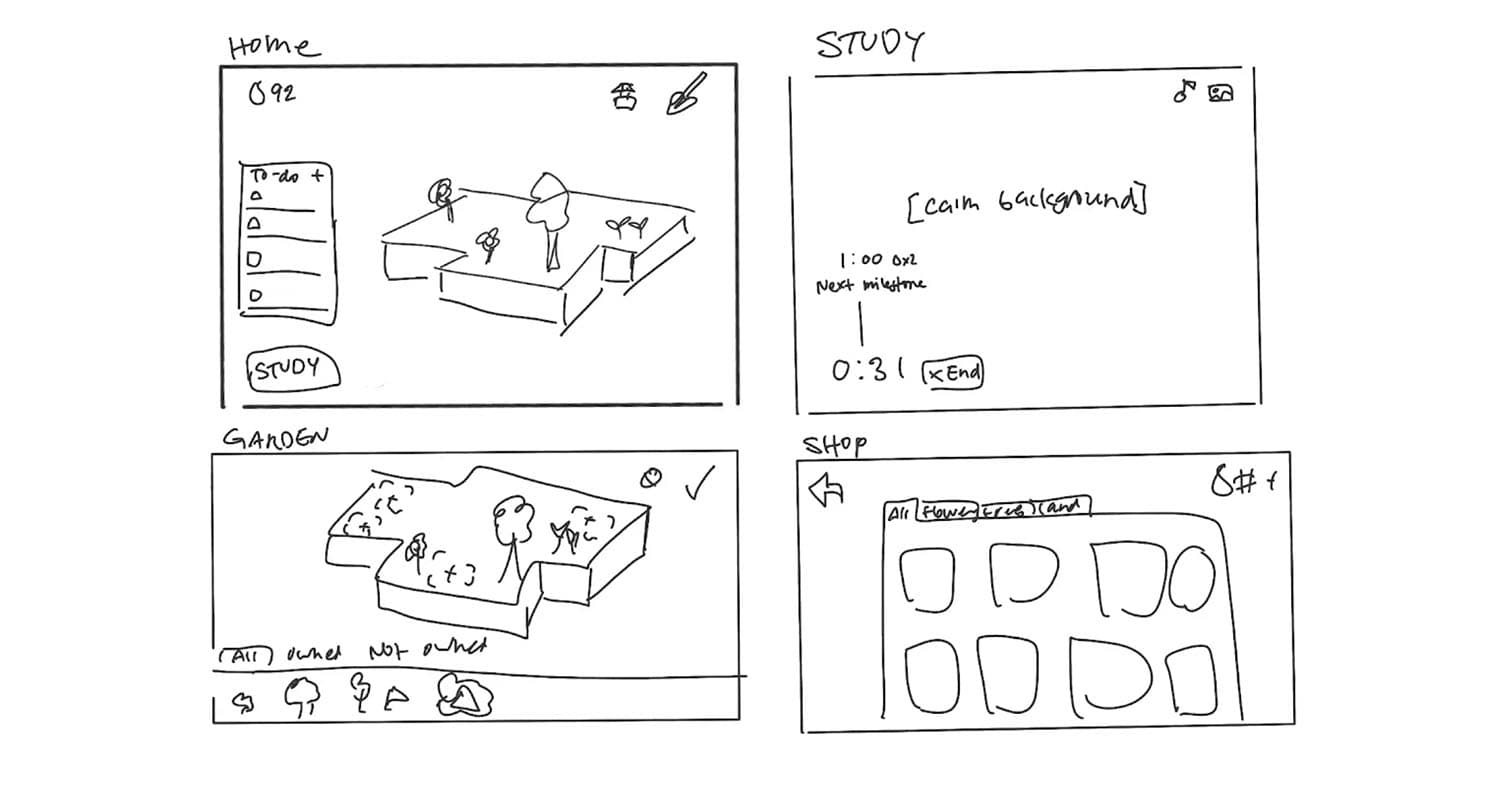
With previous basic experience of programming and Unity, I challenged myself to tackle concepts like data management and the GameManager pattern, which handled core logic and game states. Implementing persistent data storage was particularly challenging due to object references and frequent null/missing reference errors, requiring careful trial and error.
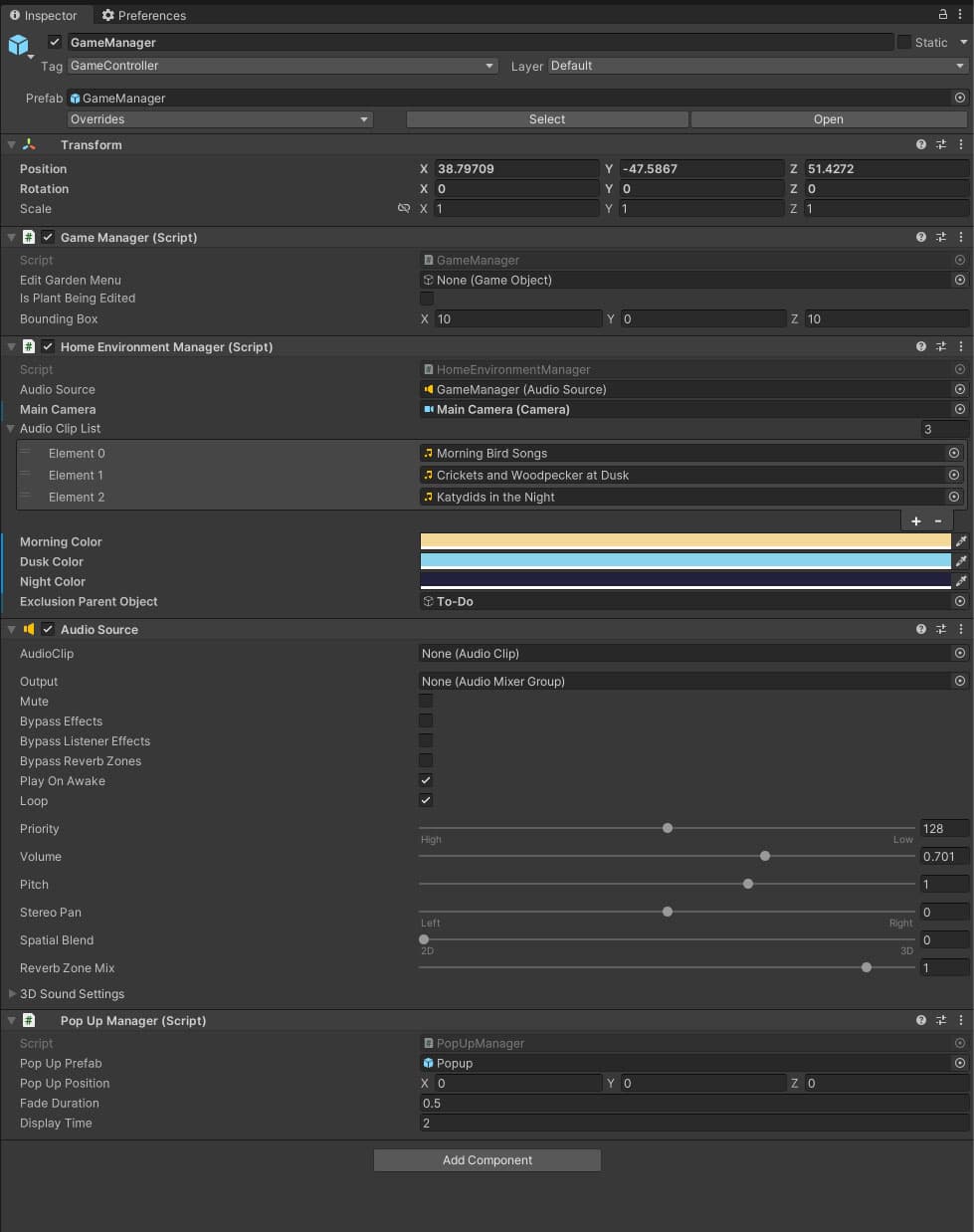
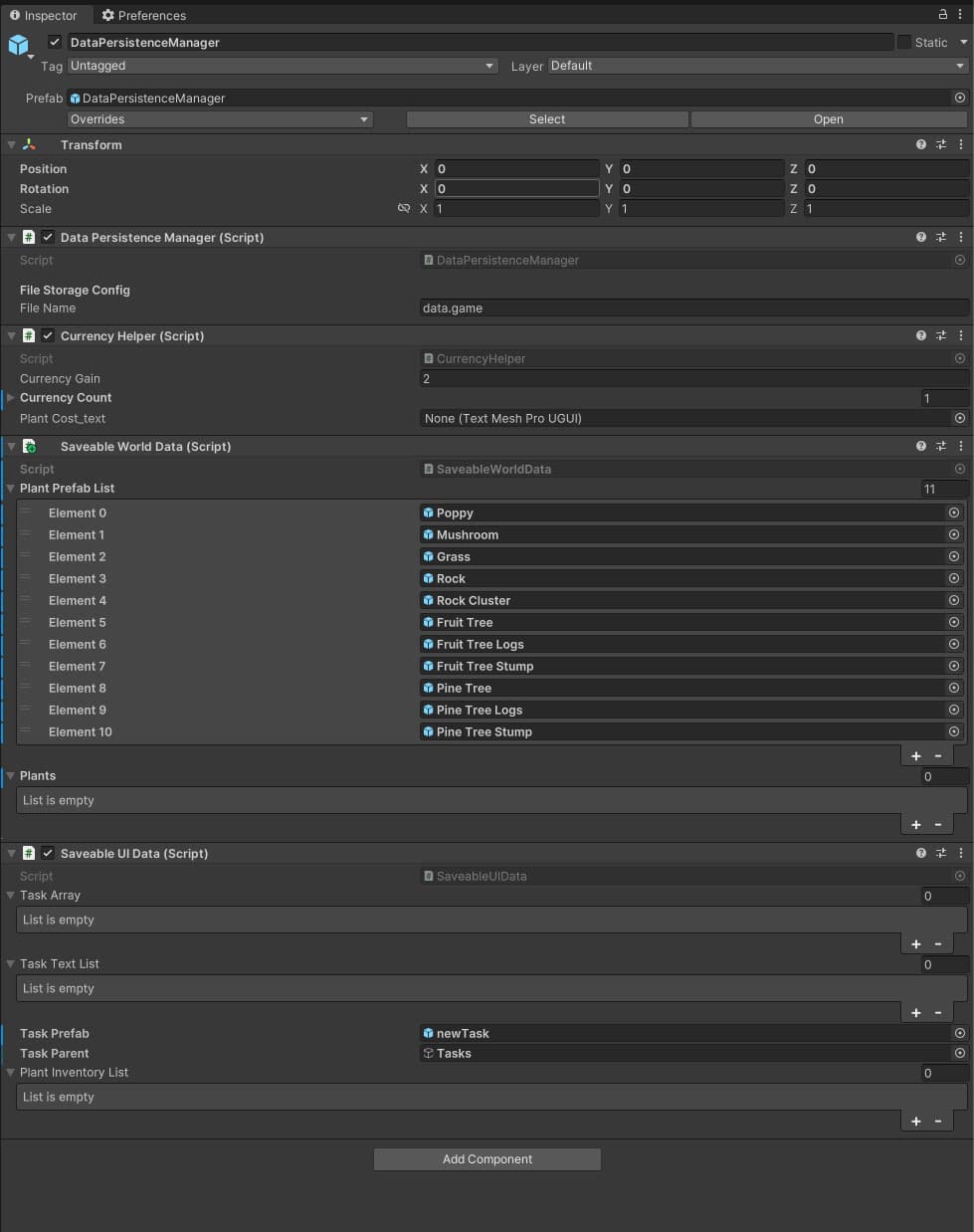


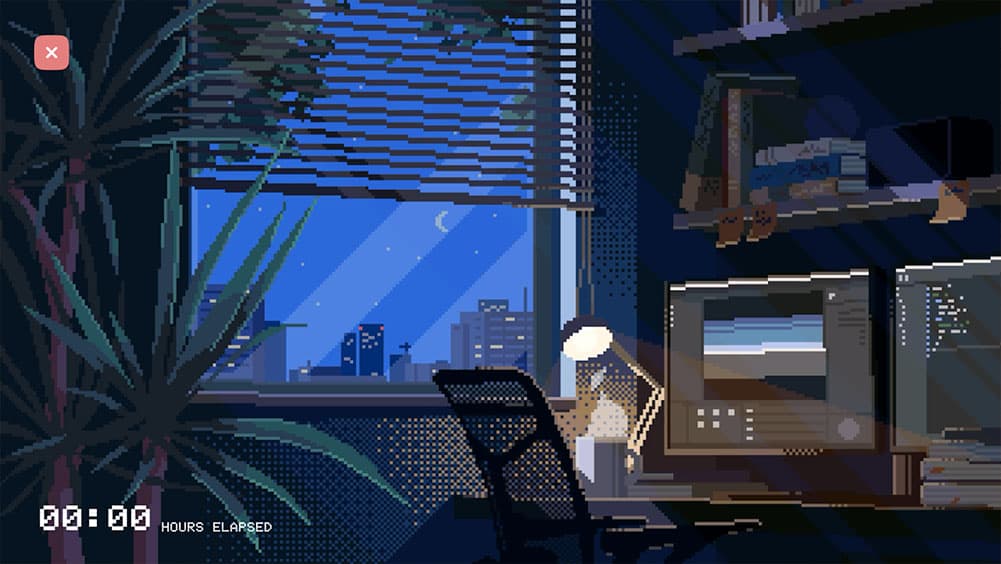
Once the game systems were stable, I brought the scenes to life, designing layouts and interfaces that closely followed the initial concept sketches.
Challenges
Even a simple project can take a lot of time to make polished and bug-free. While Study Garden’s core gameplay was straightforward, building it as a scalable, reliable product introduced challenges I hadn’t fully anticipated.
As someone used to rapid prototypes and hackathon-style “quick and dirty” projects, I found myself debugging endlessly, often over minor details like button image tinting or fine-tuning plant behaviors. These small fixes made the project feel like a complete game rather than just a prototype.
ButtonImageTint.cs
The custom script that I made just to ensure buttons were tinted when pressed
PlantBehavior.cs
What started off as a simple movement handler grew to be my largest script
Along the way, I also added little features that weren’t essential, like dynamic day/night environments or randomized study music. Eventually, I had to self-impose deadlines to avoid endless tweaking. Otherwise, this learning project could have grown into a full-fledged game.
StudySceneManager.cs
The study scene manager, which was not even neccessary for this project, that randomly selects a background and song
Results
Check out the project on Github to see the full codebase.
Reflections
Learning new software will always be a bumpy road
Even with prior Unity experience, Study Garden introduced me to many firsts. I dove deep into Unity’s UI system, discovering just how complex the Canvas workflow can be. It took a lot of trial and error to get interfaces to behave the way I envisioned, but now it feels natural.
This project also gave me exposure to audio, video, tilemaps, and the sprite editor. While I didn’t explore each in depth, simply integrating them opened up possibilities I hadn’t encountered before, expanding both my technical and design skills.